VR in Unity
Taking Extended and Virtual Reality into consideration within level and game design.
Includes a brief write up on the conversion of a bowling game.
Working within Extended Reality Confines
Environmental design within VR requires consideration into how the player can move, both physically and virtually.
In the case of this example bowling scene, originally the camera was fixed in the regular game.
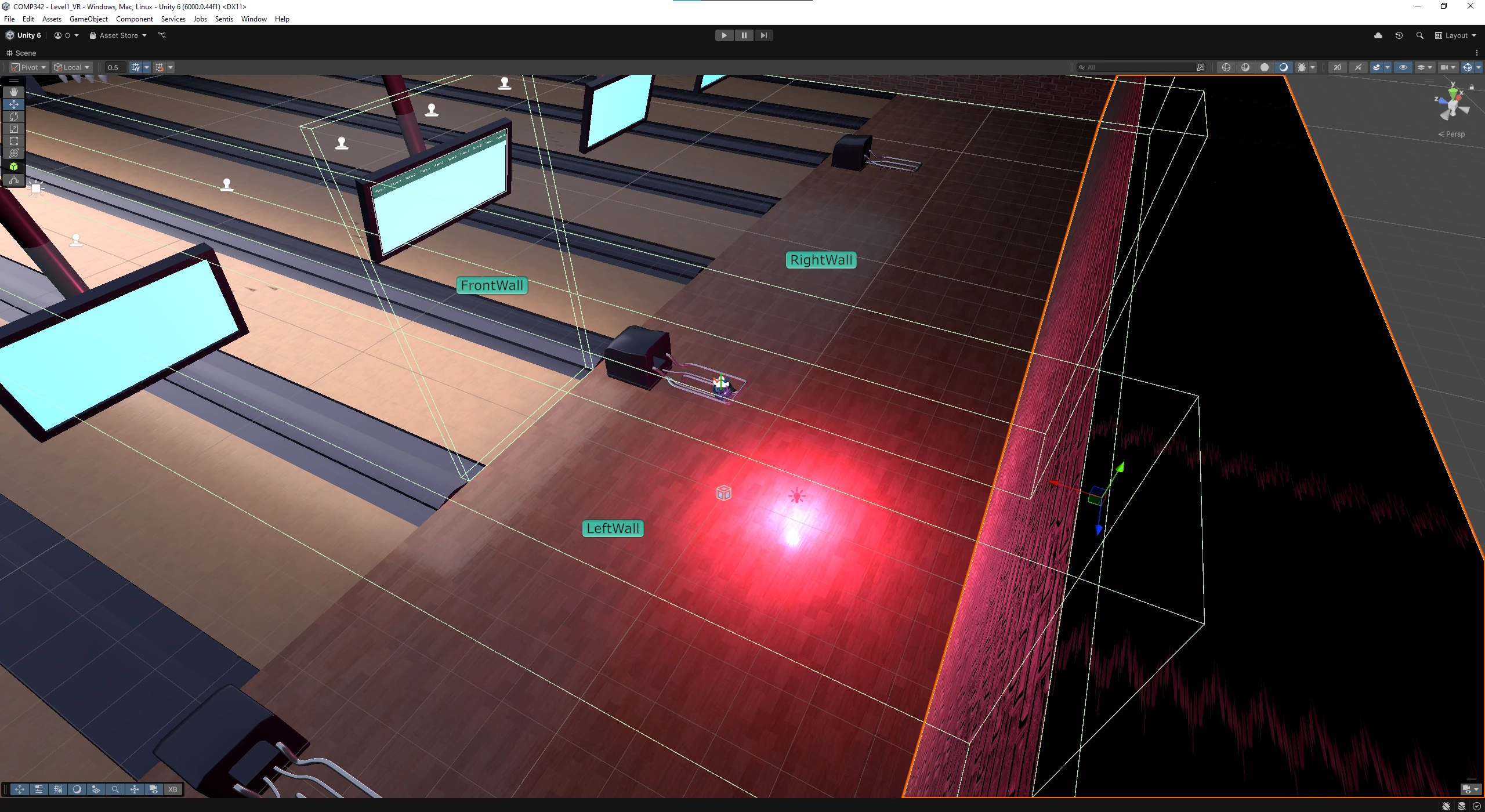
For VR, barriers needed to be added to prevent the player from walking away from the interactable scene, and also from seeing into the void.
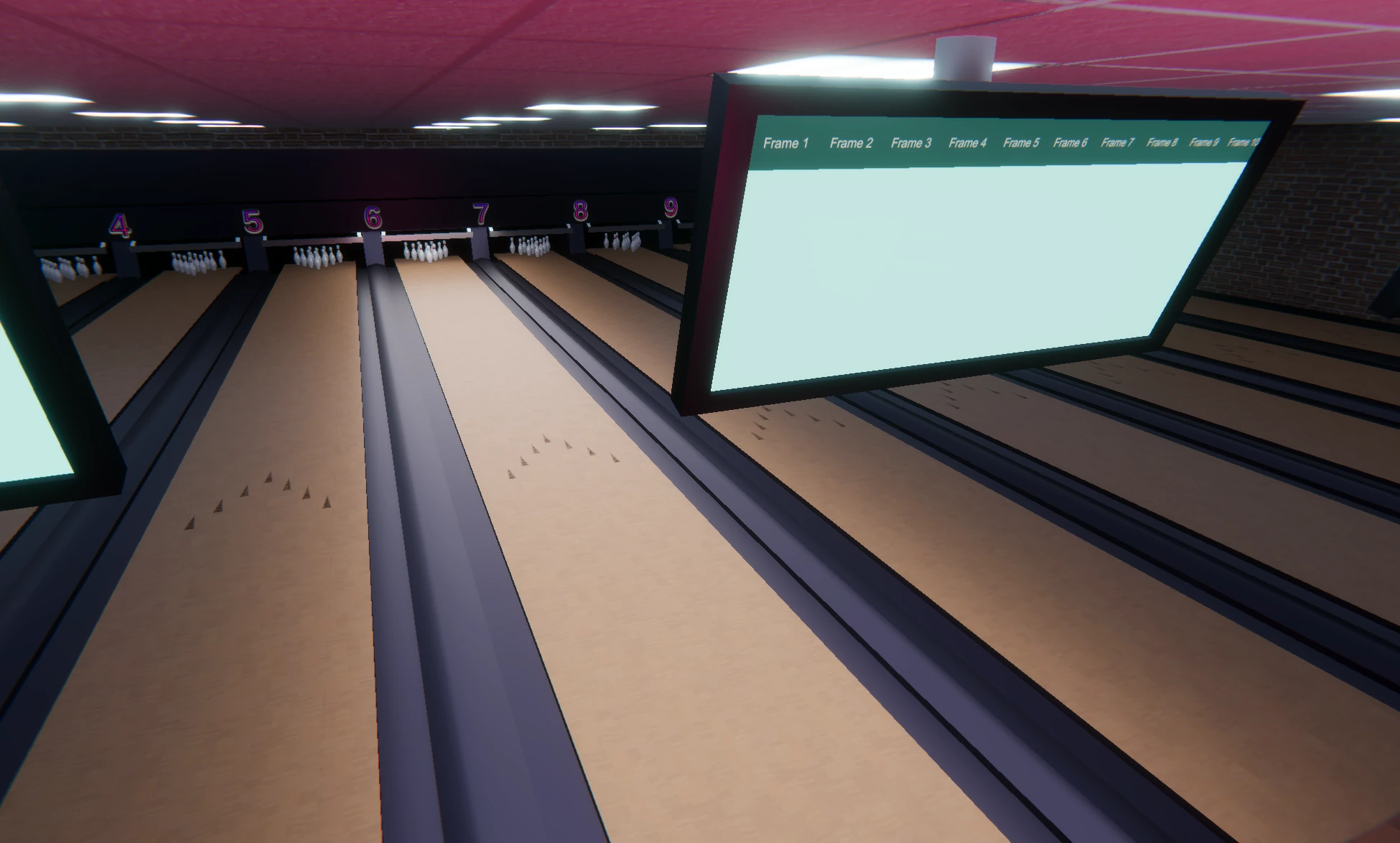
UI elements such as the scoreboard also had to be added into world space, allowing for a believable and seamless way to display a score.
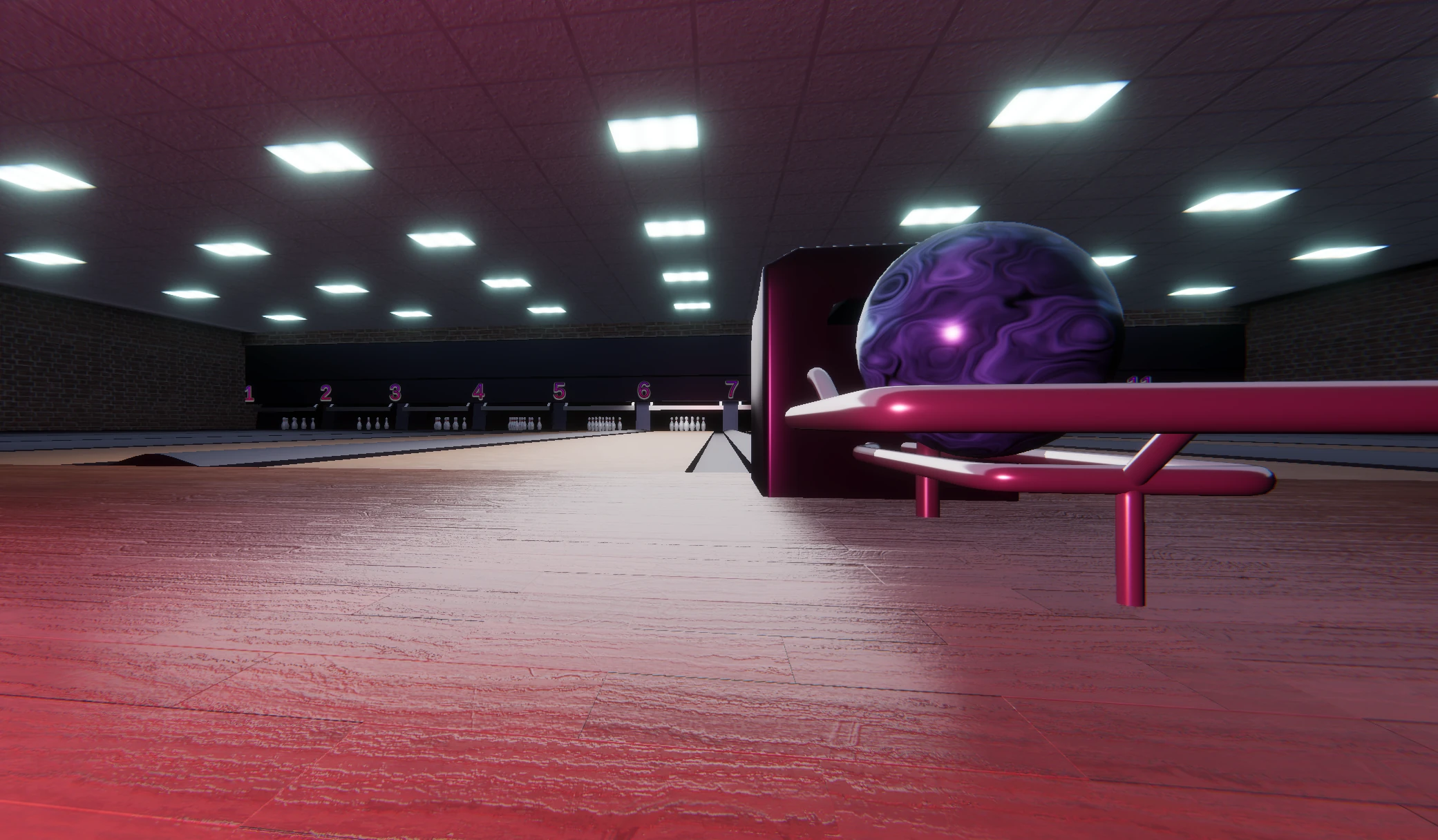
Although the player is limited in movement to their respective lane, lighting cues still brighten this lane in particular to subconsciously tell players this is their lane, and they can bowl on it.
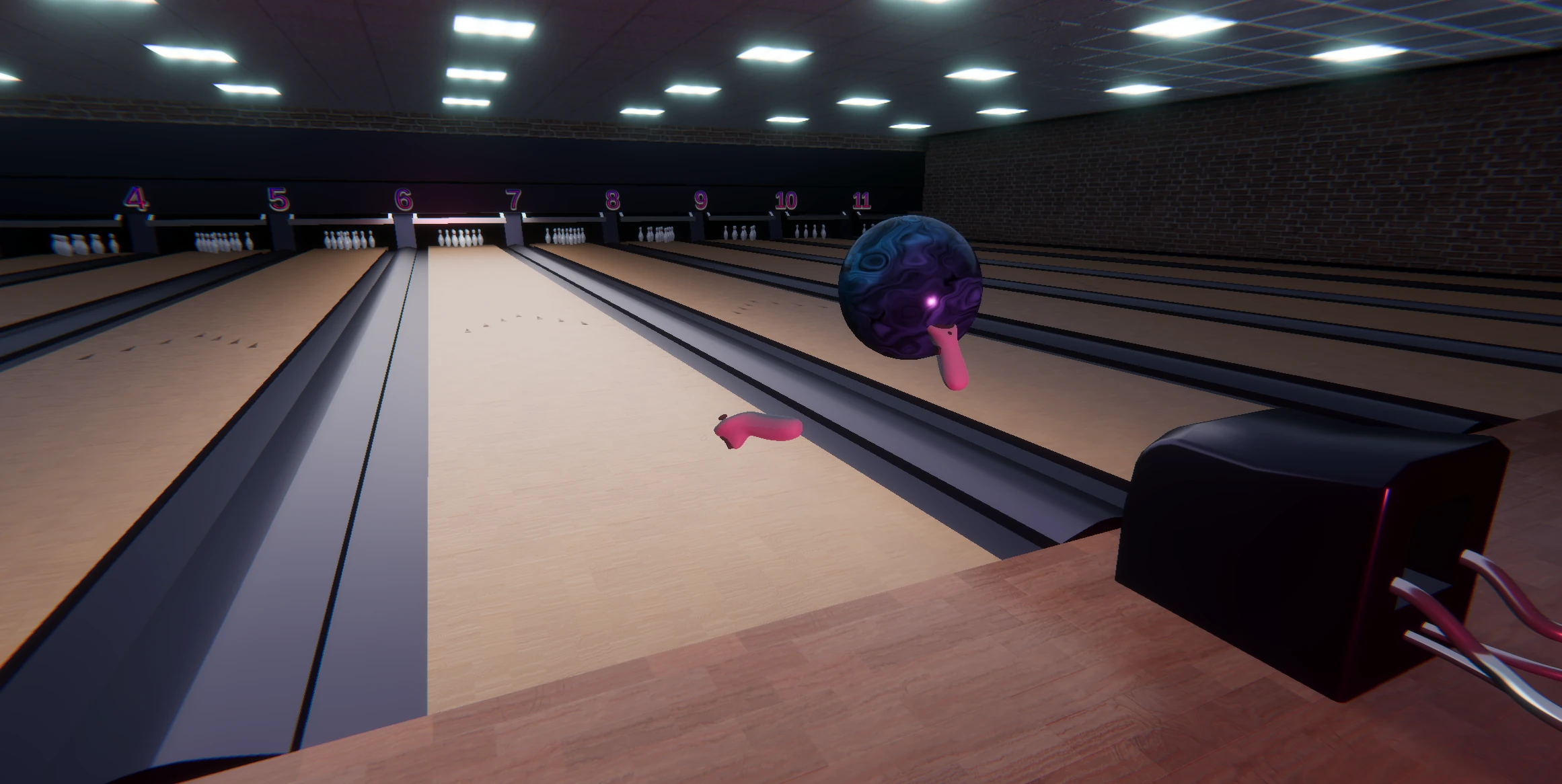
Other gameplay elements such as the ball return had to be made functional.
originally, a new ball spawned ready to be thrown. In VR, new balls come from the ball return to the player's right.
By adding VR specific mechanics like this, a scene can be more believable and also helps keep a smooth flow of gameplay aligned with player expectations of what should happen.